
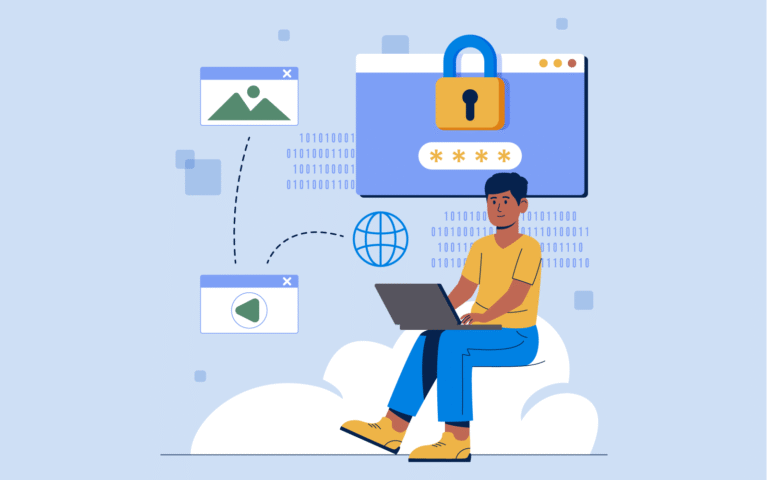
Sharing your website, hosting, or domain login credentials might feel convenient, but it’s one of the most common security mistakes we see. Password sharing puts your website, billing information, and data at risk, and it often violates platform security policies.
Most modern platforms now offer secure alternatives like delegate access, roles, and permissions. This guide explains how to give your developer or marketing team the access they need—without handing over your password—and links to step-by-step instructions for the most common platforms.
Want us to handle this for you?
If you’d rather not deal with technical settings or risk breaking something, our team can take care of it quickly and safely.
Why You Should Never Share Login Credentials
When multiple people use the same login, you lose visibility and control. If something changes—or breaks—you have no way to know who caused it. And when a contractor or employee leaves, revoking access often means changing passwords everywhere.
- No accountability: Shared logins remove audit trails.
- Higher security risk: Passwords can be reused, stored insecurely, or leaked.
- Billing exposure: Many admin logins include payment methods.
- Access headaches: Removing one person often disrupts everyone.
Delegate access solves these problems by giving each person their own login with limited, role-based permissions.
The Safer Alternative: Delegate & Role-Based Access
Delegate access allows you to invite users to manage parts of your account without giving them full ownership. Most platforms support permission levels such as admin, editor, developer, or viewer.
- Each user has their own login
- Permissions can be limited by role
- Access can be revoked instantly
- Critical settings like billing can remain protected
Step-by-Step Guides by Platform
Below are walkthroughs for safely adding users or delegates on the platforms we’re most often asked about.
Rather have this handled for you?
If you’d rather not deal with settings, permissions, or technical details, our team can take care of this quickly and safely.
- Correct setup and permissions
- Secure configuration (no password sharing)
- Clean documentation and handoff
Hosting Providers
- How to Grant Delegate Access in Hostinger
- Adding Delegate Access to Your WP Engine Account
- How to Add a Team Member on Cloudways
- Adding Delegate Access to Your GreenGeeks Account
- Adding Delegate Access to Your GoDaddy Account
Website Builders
- How to Add a User in Webflow
- How to Add a User in Squarespace
- Adding Delegate Access to Your Wix Account
Domains, DNS & Google Tools
- Network Solutions Delegate Access
- Creating & Sharing Cloudflare Accounts
- Adding Users to Google Search Console
What Access Should I Give My Web Developer?
In most cases, your developer does not need full ownership or billing access. A best-practice approach is to give only the permissions required to complete the task.
- Hosting: Admin or developer access (no billing)
- CMS: Administrator or editor role
- DNS: Limited access, only if required
- Analytics: Read-only access is often sufficient
If you’re unsure, it’s better to start with less access and increase it only if needed.
Need help with this or anything else?
If you’d rather not deal with ongoing updates, settings, or technical issues, our team can handle fixes, support, and long-term maintenance for you.