How to Add a User in Bluehost Account Manager
Learn how to safely add users to your Bluehost Account Manager using role-based access and permissions—without sharing your login or risking account security.
Give developers or marketing teams the access they need without sharing passwords. This guide explains how to safely use delegate access and role-based permissions across hosting providers, website builders, domains, DNS, and Google tools.
How to Give Your Web Team Access (Without Sharing Passwords) Read More
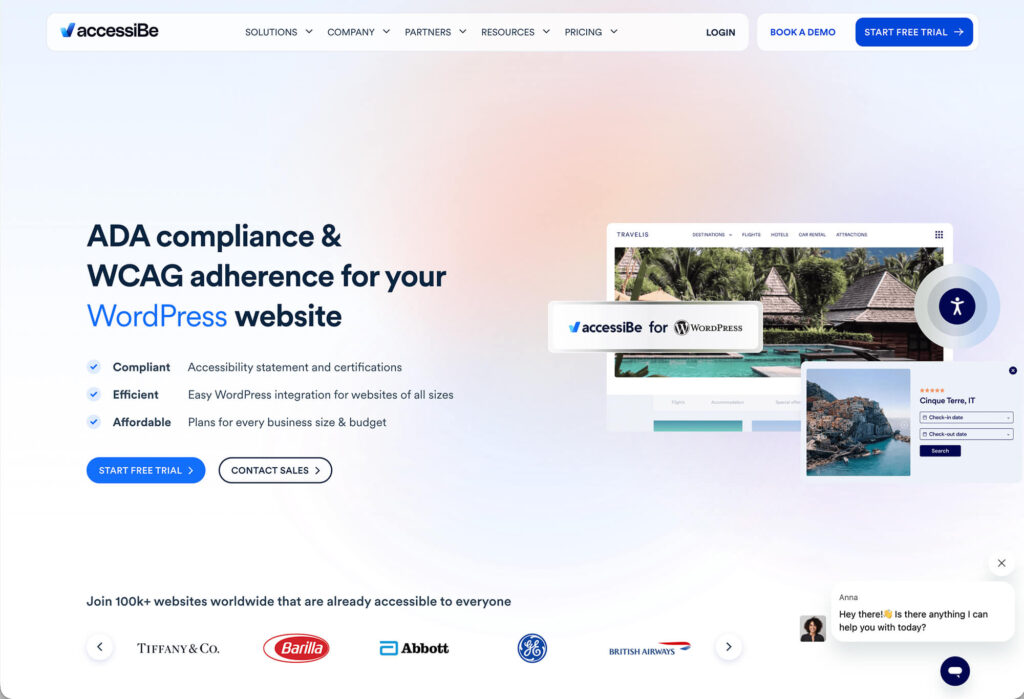
accessiBe is a popular accessibility overlay, but it’s not a complete ADA compliance solution. This review explains what accessiBe does well, where it falls short, and when it can be useful as part of a broader accessibility strategy.
accessiBe Review: What It Does, What It Doesn’t, and When to Use It Read More
AI website builders make launching a site easier than ever — but ease comes with tradeoffs. This post breaks down what AI and DIY platforms do well, where they fall short, and how to decide when a professionally designed website is worth it.
AI Website Builders vs. Professional Web Design: What You Need to Know Read More
Confused by web design and digital marketing terms? This alphabetized glossary breaks down common website vocabulary like SEO, UX, hosting, and more—explained in plain English.
Website Vocabulary Glossary: Web Design & Digital Marketing Terms (A–Z) Read More
Granting access in Network Solutions doesn’t have to be confusing. Learn how to add a developer or team member safely with the right role and permissions — no password sharing required.
How to Add Delegate Access to Your Network Solutions Account Read More
Launching a new website can feel stressful — what if you miss something important? This website launch checklist walks you through the technical, SEO, and content steps we use for our own clients — or let Austin Web & Design handle the launch and ongoing maintenance for you.
The Essential Website Launch Checklist (Before & After You Go Live) Read More
Choosing the right hosting can be confusing, but Hostinger makes it easy with fast servers, built-in speed tools, and affordable plans. Learn why we recommend it — or let Austin Web & Design handle setup, migration, and full site management.
Why We Recommend Hostinger for Fast, Reliable, and Affordable Website Hosting Read More
A complete hub of DIY guides for managing your website. Learn how to handle user access, DNS, hosting accounts, media optimization, and WordPress maintenance.
Your Complete Guide to Website Maintenance & DIY Tools Read More
Adding a user in Squarespace is simple when you know where to look. Learn how to invite contributors, choose permission levels, and manage access — or let Austin Web & Design assist with updates and site management.
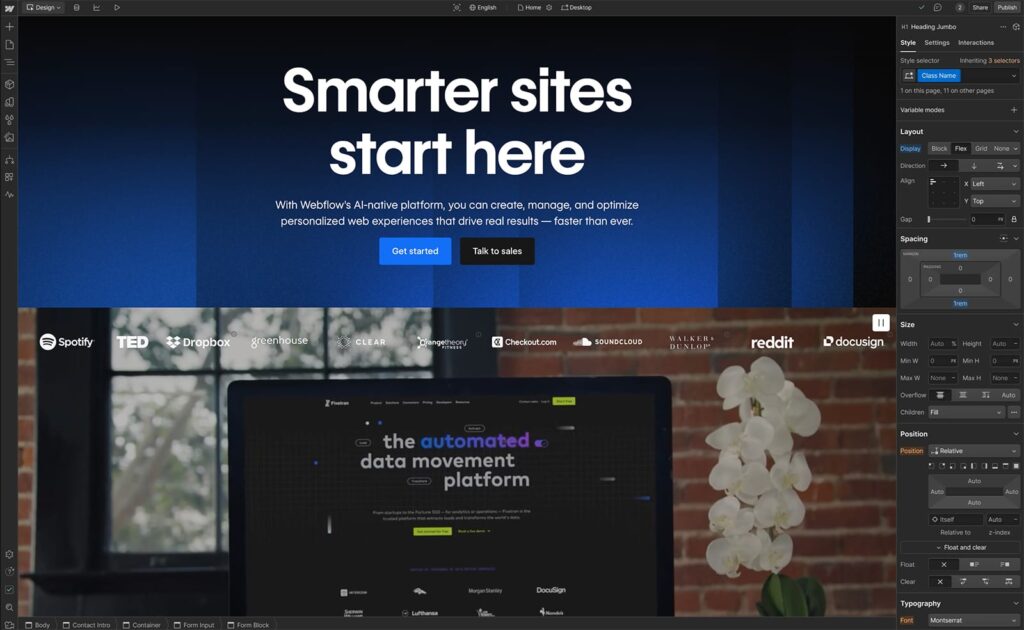
Adding users or collaborators in Webflow is simple when you know where to look. Learn how to invite team members with the right permissions — or let Austin Web & Design help manage your Webflow site.
Optimizing video is essential for fast website performance. Learn how to properly compress video for the web, choose the right formats, and apply the best export settings — or let Austin Web & Design handle your video optimization.